Queries about this page to
Henry Marston
(include a Subject and Body text - unexplained attachments
are treated as spam)
The RRR route on a SatNav - competitors and cars!
Grid references, GPS data for conventional trail-type GPS units
Comparison of Trail and SatNav systems
Trail GPS units (mainly for competitors)
The basic requirements are for a GPS unit with a suitable display, that can be connected to a computer to upload the route information (from my website), with suitable software for on computer (which may come with the GPS unit). The GPS unit needs to have an adequate battery life, if you are going to be out for (say) 10 hours, or have replaceable batteries.
What you consider a suitable display is largely a matter of preference.
A basic GPS unit would be uploaded with a route, and would display straight lines between waypoints (loaded from the website). The track that you actually follow would display as a ‘breadcrumb’ track, with (typically) a solid triangle at your present position. So you would be able to see if you need to turn, at a waypoint, but between the waypoints you may be quite a way from the straight line, for example if there are no turnings but the path is not straight but has a long curve. I have used a Garmin GPS12 successfully on this type of route, but only as a back-up. The Garmin Forerunner watches have a similar type of display, assuming you have one that can be connected to the computer, but their big disadvantage is battery life. 13 hours for old models, boostable (see later) but 6 or 7 for newer ones, and need to be recharged on a cradle.
The unit I generally use is a Garmin GPSMAP 60CSx, with the GB topographic map, showing roads, paths, streams, railways and contours. If you are unsure of your position, and where to turn (for example) the map display provides confidence. Note that this map does not display many man-made features, (buildings, etc). Ideal for walking the Scottish mountains, and urban streets, but maybe not so good for the countryside. The display shows a blue breadcrumb for the track followed , with a solid triangle showing current location. I use rechargeable batteries, and may need to change them once in the event. The GPSMAP with GB Topo map can give visual turn-by-turn navigation instructions, as with a SatNav, albeit silent, when you are on the road.
The new
GPS routes, tracks and waypoints in various formats for Garmin, Magellan and other GPS brands using inter alia GPS Utility mostly updated for 2011
To clear your GPS of Round Rotherham waypoints, delete waypoints with the selected symbols of Flag (possibly blue, or golf course).
Supporters with a SatNav If you are driving round as a supporter, or fellow relay team member, the Route description (Supporter's cars) has a description of the optimum route (not always chosen by a SatNav) with postcodes for the event centre and all checkpoints. In summary:
Event Centre: S63 7EW Unnamed Road
Grange: S61 2RB Unnamed Road (off Droppingwell Road)
Treeton: S60 5PU Washfield Crescent (No 9)
Harthill: S26 7YB Pryor Mede (opposite Recreation Grounds)
Woodsetts: S81 8AT Gildingwells Road (No 15)
Firbeck: S81 8LH Salt Hill (track on right at corner)
Maltby: S66 7RX Church Lane (No 6) – ignore comment of it being in Ravenfield
Old Denaby: DN12 4LF Denaby Lane (No 4)
Competitors:
Memory Map software enables OS maps to be displayed on a computer screen, with
routes, etc overlaid. So if you have a computer, you can take the map with
you. If the map is to display your current position, you need a GPS unit
connected to the computer. What sort of computer can you consider carrying
round the course? Essentially a small PDA, without a hard drive, or
possibly some kind of mobile phone or ipad. Various PDAs are available,
but one common type with a built in GPS unit is a car-type SatNav unit!
You will not get turn-by-turn instructions - you need to keep watching the screen.
Examples of display

1:1 000 000 Route Planner map - Overview of route NOTE position marker to NW of R of Rotherham. Flags indicate checkpoints

1:250 00 Road Atlas - general location

1:50 000 Landranger, showing start of first stage, flags at start and finish
Final stage on landranger map
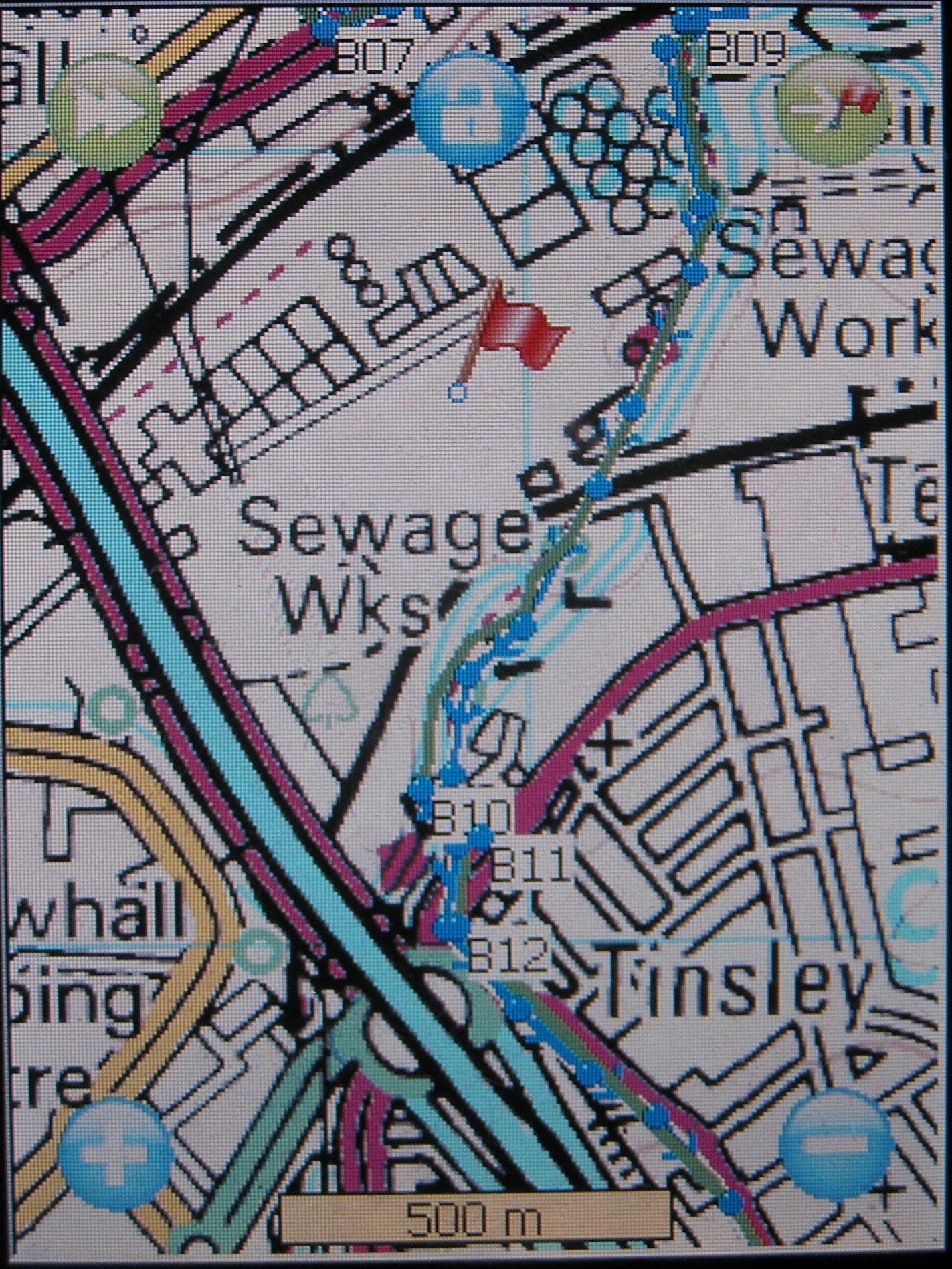
1:25 000 Explorer - On the trail (protective film reduces clarity of photos), menu hidden in lower picture at Harthill checkpoint

The new Micklebring section (it looks clearer on the F&H!)

Examples of Foehn & Hirsch 4.3" widescreen model display, for RRR. One picture shows the loop before Rother Valley park at large scale, but smaller scale from Micklebring to Firsby Hall – readily adjustable on the route. The blue line is the straight line route joining waypoints, as displayed on the F&H. When actually there, the current position is also marked. Of course, the display can only be as up-to-date as the OS map - not much good for showing route updates arising from landscaping work! The loop on the approach to Rother Valley park (enlarged) - note scale shows 200m rather than 1 km
Better, you could use an OS Memory Map Adventurer. These come with pre-installed OS maps (make sure you get one with the FULL OS landranger map, at least). Various models are available, with touch screen, and (pretty well) waterproof. The one potential problem is that battery life is about 8 hours, although it may be possible to use a similar back-up system described below.
The process of loading alternative software onto SatNavs is covered on the Simple SatNav discussion website.
In principle, what you need to do is as follows:
Obtain a PDA that uses the WinCE operating system (the mobile version of Windows), with a GPS detector, for example a hackable car-type SatNav such as the Foehn & Hirsch 4.3" widescreen model available for around £50. People have also had success with the equivalent Navigo. Warning: I think you would find that a TomTom (for example) is not hackable (you probably can’t get at the operating system).
The navigation software is on a SD (or SDHC) memory card, so you replace the supplied card with a new one on which you have loaded appropriate OS maps, memory map software and the route overlay. The maps and software are downloadable from the web - see later - and I can provide the overlay. See below. The SatNav will also show the current position, but may not show where you have been (your route). You will understand from this that the use of a SatNav is not a ‘switch-on and go’ method, and requires some computer dexterity.
You need to protect the unit from rain (GPS units are fully waterproof, but SatNavs are not!)
You will need an additional power supply. You don’t have to carry a car battery! You will need a battery pack that will provide a USB-equivalent power supply, typically 4 AA rechargeable batteries and a mini-USB connector. Commercial units are available with rechargeable Li batteries. The back-up power supply also needs protection from rain.

F&H with home-made external power supply (with NiMH cells)
Foehn & Hirsch 4.3" Version 1 Sat Nav - UK
& EU,
Lane Navigation, Postcode Search, TFT flat Touch Screen -
ALSO plays MP3 & MP4
One source:
http://www.ebuyer.
(This model is
apparently discontinued but you will see new one named F&H GP436, but may be out
of stock)
Alternative:
MyGuide 4.3" 4228 e.g. http://www.ebuyer.com/product/165376
The (almost) identical Navigon unit

The PortaPow USB Battery Pack 3400 mAh, has been available as
a Buy-it-now item on ebay at £22.50
or see http://www.portablepowersupplies.co.uk/usbliionbatterypack.htm
Alternatives: Kensington battery pack (1800mAh) or the Power Monkey
(2200mAh).
I bought the

So you have an F&H 4.3"
widescreen V1 or similar.
Now you need the software for the off-road maps.
The software and maps for the
Round Rotherham will fit on a 1Gb SD card (or even a 512 Mb SD card). The
software suggested provides a menu so that you can use the F&H navigation
software to get from home to the Event Centre, then switch to the MemMap
software on the route, without having to change SD card. If you want to
add other maps, you would probably like a larger SD card. Cards of 4
Gb or larger are
Three downloads are required
a) the menu. The top level provides the top of a tree structure, with
folders for each navigation system, e.g. MemMap and F&H.
Download Zip file
Note: the on-screen menu is in the mobilenavigator folder and the program is called
mobilenavigator.exe By doing this, the F&H picks up the menu without the need to
edit the registry of the unit - a task to be avoided if possible. The
MemoryMap software is in the MemMap folder; with a different PDA, you may only
need to extract and install this folder.
b) maps. These are large
files, many megabytes, which can be downloaded from the Web,
Suggested maps:
Os 1 1M Uk Route Planner For Memory Map.qct
Os 250k Uk Road Atlas For Memory Map.qct
OS Landranger Maps For Memory Map Area 08.qct (plus Os Landranger Maps For
Memory Map Area 06.qct , as the route comes within 150 m of the southern edge)
Note: The landranger maps are available in a single file, os50_gb.qct.
This is a 3 Gb file, but will not load in the F&H - you need to have the 1:50
maps in segments
Memory Map Os 25k 278 Sheffield And Barnsley.qct and Memory Map Os 25k 279
Doncaster.qct
Ideally, these would be merged using the PC version of MemoryMap to avoid having
to switch maps on the run (File menu, Maps...., or press in one place on screen
to select maps at cursor)
In principle, the maps can be anywhere on the SD card; I would suggest either the root directory or the MemMap folder
c) the overlay for this event. This is a file that has to be copied into
the MemMap folder. It must be called userdata-Memory-Map-OS-5.mmo. Keep a backup as it
is actively modified (added to) by the
program. The Zip file contains 2 copies of this file, named
userdata-Memory-Map-OS-5.mmo and RRR_userdata-Memory-Map-OS-5.mmo, already in
the
For the Adventurer, upload RoundRotherhamRoute.mmo to the User Data folder on the device (click on link and Save File As.../Save Link As...)
One additional setting to check:
In Memory Map, choose Menu / GPS
/ Settings option, set as follows:
Manufacturer: NMEA
Port: COM7
Baud: 38400
Disable auto power-off: ticked
(It's the COM7 that is critical)
Additional info...
The runtime file for the Navigate (sat nav) button on your sat nav is the
follow:
SDcard:\\MobileNavigator\MobileNavigator.exe
If you have another brand of sat nav which runs Windows CE operating system and
has a menu, then look on the sat nav SD card for the runtime file used by the
sat nav software (tom tom etc). If you rename the directory of the downloaded
file and MobileNavigator.exe to be the same then it may work.
The MobileNavigator/config/GPS.ini
file has set-up information for the unit
Disclaimer - all this is done at your risk :) Happy to help share this stuff and
help as much as possible but I can't be responsible if it doesn't work.
The area is still under development, and will be expanded upon before the event. Contact me, Henry Marston, if you are ready for the software and I haven't posted links - job in progress!
| Feature | Trail GPS (e.g. Garmin GPSMAP 60CSx) | Sat Nav (e.g. F&H 4.3" WS) |
| Screen size | 32x56 mm portrait, Track up (track direction to top, optional) | 95x54 mm landscape, North up (North to top, fixed) |
| Map | GB Topo map (shows roads, paths, water, rail, contours) | e.g. Memory map using OS 1:25000 maps |
| Commands | Press buttons | Touch screen (need to avoid unintentional touching) |
| Screen in sun | Screen clearly visible in sun (sun illuminates screen) | Backlit, sun obscures display (shade needed) |
| Waterproofness | High level of water resistance | Poor (MM Adventurer is waterproof) |
| Battery | NiMH or Alkaline batteries, life ~16 hr; can replace on run if necessary | Internal Li battery, life c. 1 hour. Needs
external power supply via USB connector (8 hr for MM Adventurer) |
| Memory | Micro SD/SDHC cards to 4 Gb | SD/SDHC card (16Gb tested) |
Further information and links to follow - if you are interested
contact me, Henry
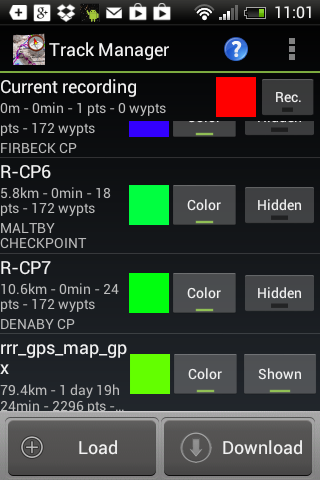
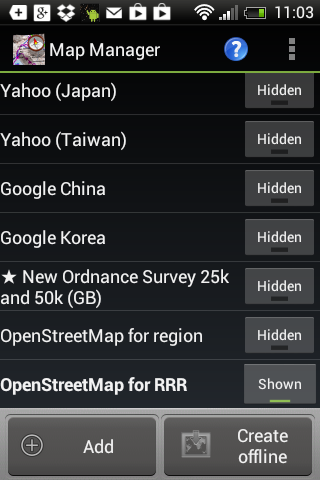
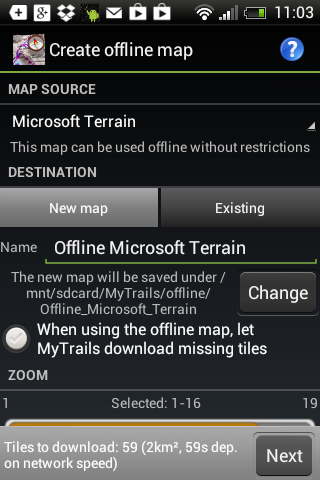
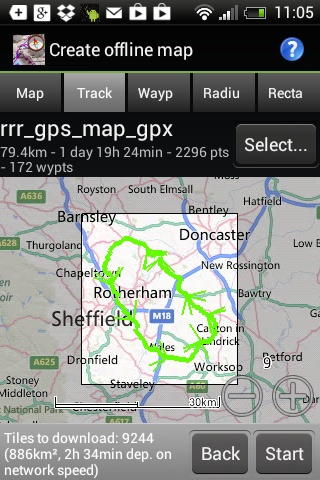
Marston In principle, some of these fancy new phones should be capable of the task,
but I have no experience. It depends on whether you can upload a route or track,
and if the map is suitable. Weather protection would be essential, and battery
life may be an issue. Keep an eye on this Navigation pages for more information.
Obviously, the final GPS route files can only be supplied close to the day when
the precise route has been finalised. As always, there are some uncertainties
that need resolution. Last update
12 October, 2011
by
Henry Marston